

On some occasions you may have to manually add a Transponder to the OpenBox S9.
The user friendly menu makes this very easy. Go to the Satellite you wish to add the TP for.
Press menu and this screen will appear.

Use the remote arrows to highlight TP List and press. The following screen will appear.

Press the Green button on the remote to add the TP. The following screen will appear.
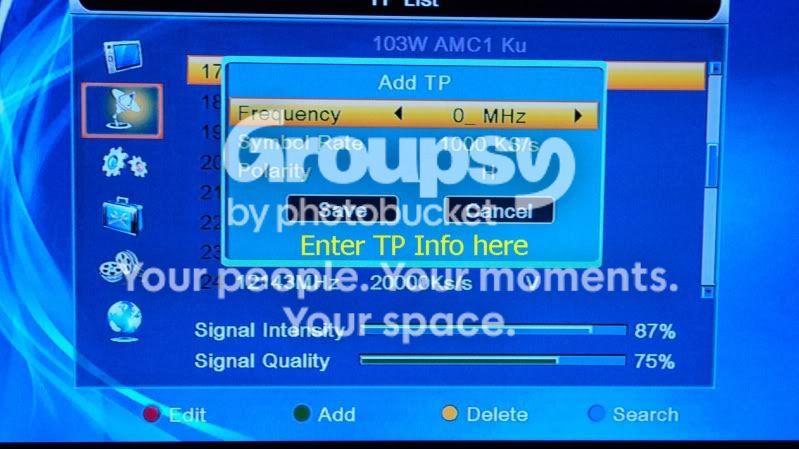
Enter the Frequency, symbol rate and polarity here using the remote number keys and arrows to scroll down. Press save and exit.
Now you have your new Transponder added.
The user friendly menu makes this very easy. Go to the Satellite you wish to add the TP for.
Press menu and this screen will appear.
Use the remote arrows to highlight TP List and press. The following screen will appear.
Press the Green button on the remote to add the TP. The following screen will appear.
Enter the Frequency, symbol rate and polarity here using the remote number keys and arrows to scroll down. Press save and exit.
Now you have your new Transponder added.
Last edited:

