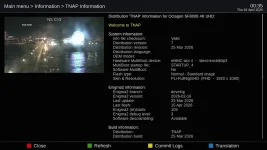
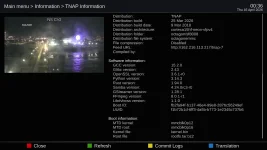
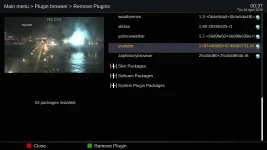
Using the 04-13-2026 image and Youtube plugin works well except when recording the selected video is split up in to separate audio (m4a) and video (mp4) files The only way to watch the recording is to merge the two into one. The current Youtube plugin used is 25c0dd80+25c0dd854b-r8 which was restored from prior image.
Uninstalled 25c0dd80+25c0dd854b-r8 and installed 87440b50+8744b5731-ro from the feed. Same recording problems plus now I get "There was an error creating entry list". Other than that the prior version (-r8) seems to work better.
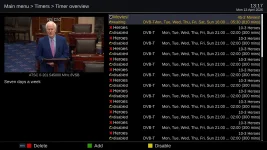
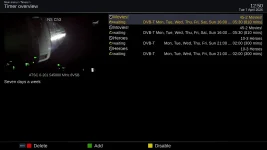
Also, after every Online flash to a new image, I keep getting these timer errors. I always have to delete the timers and recreate the timers until it happens again during the online flash to new image.
Uninstalled 25c0dd80+25c0dd854b-r8 and installed 87440b50+8744b5731-ro from the feed. Same recording problems plus now I get "There was an error creating entry list". Other than that the prior version (-r8) seems to work better.
Also, after every Online flash to a new image, I keep getting these timer errors. I always have to delete the timers and recreate the timers until it happens again during the online flash to new image.
Last edited: